
How do I delete a board?
Please be advised that deletion is permanent and cannot be reversed. By deleting a board, you are also deleting all of the assets contain within the board.
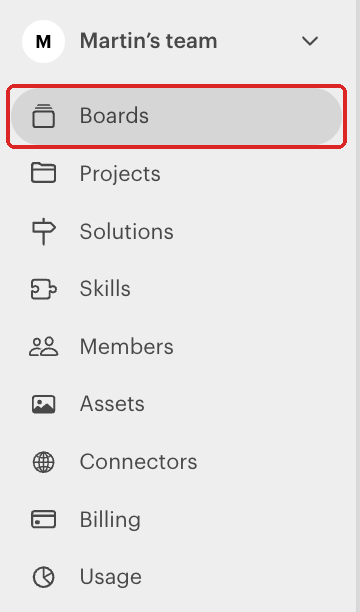
Log in to your Luma app account and select Boards from the left panel
Hover over the board you want to delete and click the dropdown arrow
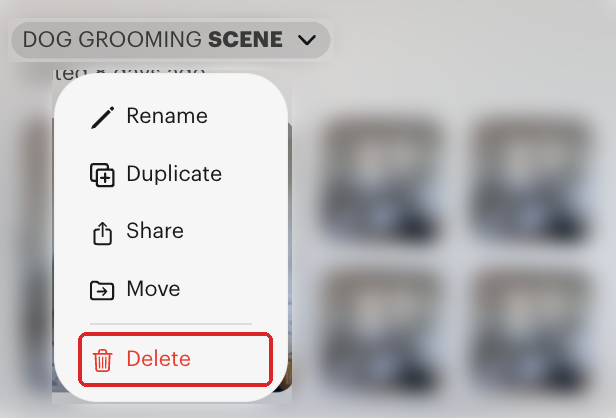
Select Delete from the menu and confirm the deletion on the next window

Video walkthrough: